1The Problem
Curved boundaries are where grid-based methods lose accuracy. Here the same nonlinear equation as in the box test is solved in a unit sphere: Dirichlet data on the upper half of the surface, a convective flux through the true surface normal on the lower half. The manufactured solution again makes the error measurable.
2The Problem File
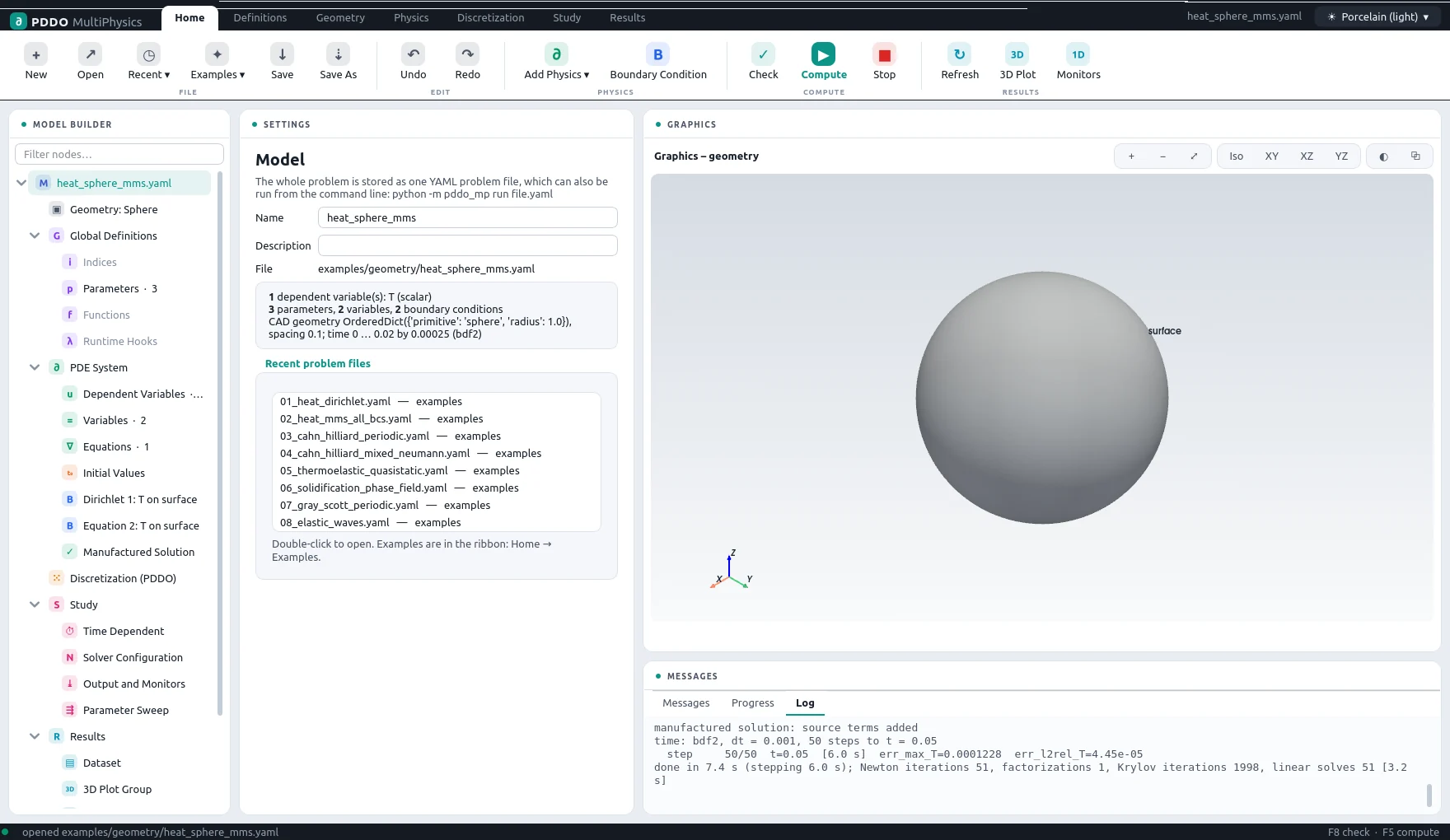
The domain is a primitive, {primitive: sphere, radius: 1.0}, with a node
spacing of 0.1. Its surface is a single boundary named surface; the first condition
restricts itself to the upper half with where: "z > 0", and the second covers the rest,
because earlier conditions take precedence where they apply.
The complete problem file, examples/geometry/heat_sphere_mms.yaml
# Verification on a curved geometry: nonlinear heat conduction in a sphere with a
# manufactured solution. Dirichlet on the upper half, convective flux (true normals) on the
# lower half. Run with --set domain.spacing=0.1 / 0.05 to measure the convergence order.
"k">name: heat_sphere_mms
"k">domain:
  "k">type: geometry
  "k">geometry: {primitive: sphere, radius: 1.0}
  "k">spacing: 0.1
"k">parameters:
  "k">k0: 1.0
  "k">beta: 0.5
  "k">hc: 2.0
"k">relations:
  "k">k: "k0*(1 + beta*T**2)"
  "k">q: "-k*grad(T)"
"k">fields:
  "k">T: scalar
"k">equations:
  "k">T: "dt(T) = -div(q)"
"k">boundary_conditions:
  - "k">faces: [surface]
    "k">where: "z > 0"
    "k">T: {dirichlet: 0}
  - "k">faces: [surface]
    "k">T: {equation: "dot(q, n) = hc*T"}
"k">manufactured:
  "k">T: "1 + 0.5*sin(1.3*x + 0.4)*cos(0.9*y - 0.2)*exp(0.4*z)*exp(-t)"
"k">time:
  "k">end: 0.02
  "k">dt: 2.5e-4
  "k">scheme: bdf2
"k">output:
  "k">every: 20

Only where expression: Dirichlet data on the upper half of the sphere.3Discretization
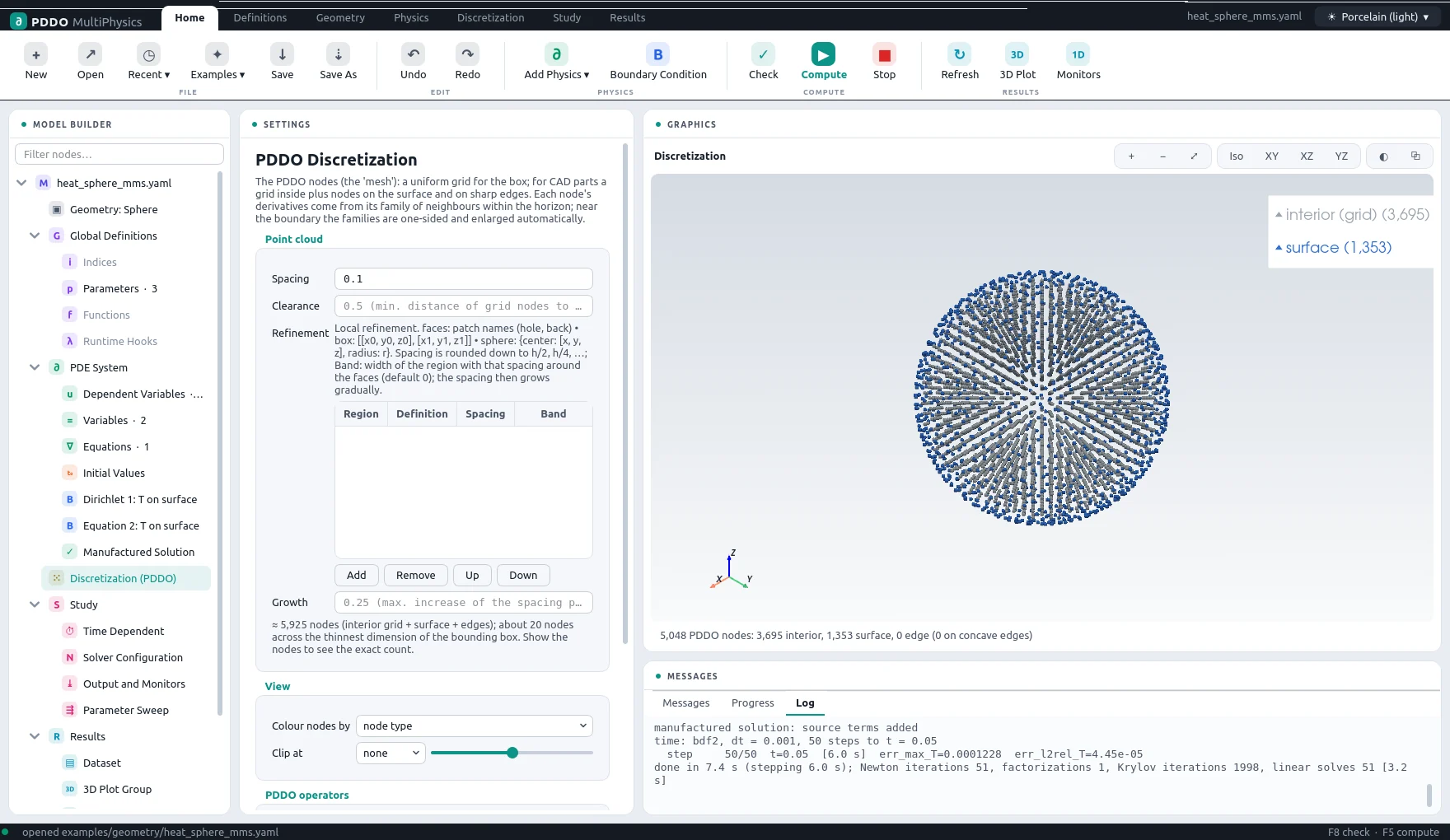
The point cloud fills the sphere with a regular grid and adds nodes on the surface, so that the boundary conditions act exactly on the surface with its exact normal. Near the surface the PDDO families become one-sided and are enlarged automatically.
4Results
- Nodes
- 5,048 (point cloud)
- PDDO order
- 2, horizon 2.015 Δx
- Time scheme
- bdf2
- Steps
- 80 × Δt = 0.00025
- Newton iterations
- 81
- Factorizations
- 1
- Run time
- 28 s
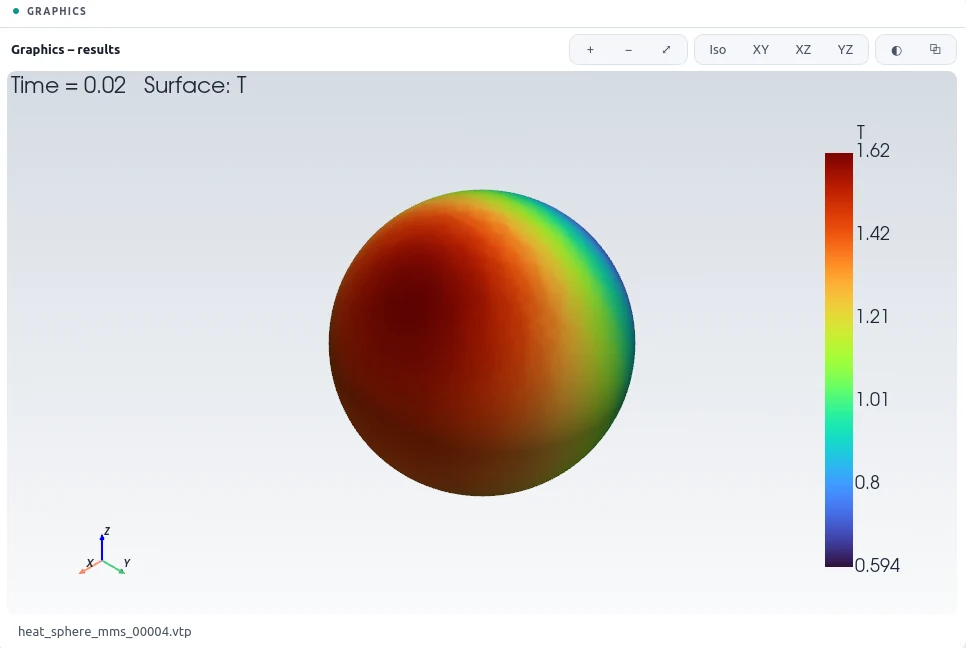
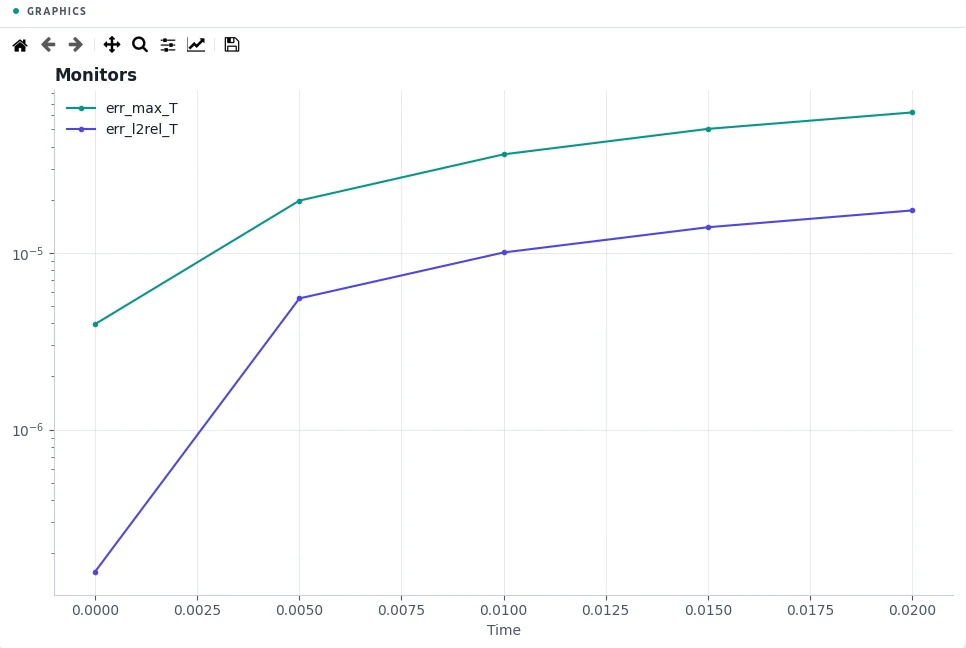
At the final time the relative L2 error is 0.0017 % and the largest error 6.2×10⁻⁵. Refining the spacing from 0.1 to 0.05 shows second-order convergence on the curved boundary as well.
5Run It Yourself
The problem file ships with PDDO-MultiPhysics. Open it in the graphical interface and press Compute, or run it from the command line:
python -m pddo_mp gui examples/geometry/heat_sphere_mms.yaml
python -m pddo_mp run examples/geometry/heat_sphere_mms.yaml
Results go to results/heat_sphere_mms/
next to the problem file: a ParaView time series (.pvd), the monitors as CSV, and the
final state. Any entry can be changed on the command line, for example
--set time.end=0.01 for a run to half the end time. The user manual
describes every part of the problem file and of the interface.